
Countertop terminals
A dedicated way to take payments at a fixed register, front desk, or service counter.
- Tap, chip, and digital wallet support by model
- Ethernet or Wi-Fi connectivity
- Printed or digital receipts
Payment equipment
Take payments at the counter, at the table, or on the go. MiCamp helps you choose equipment that fits how you serve customers and works with the tools your team relies on.
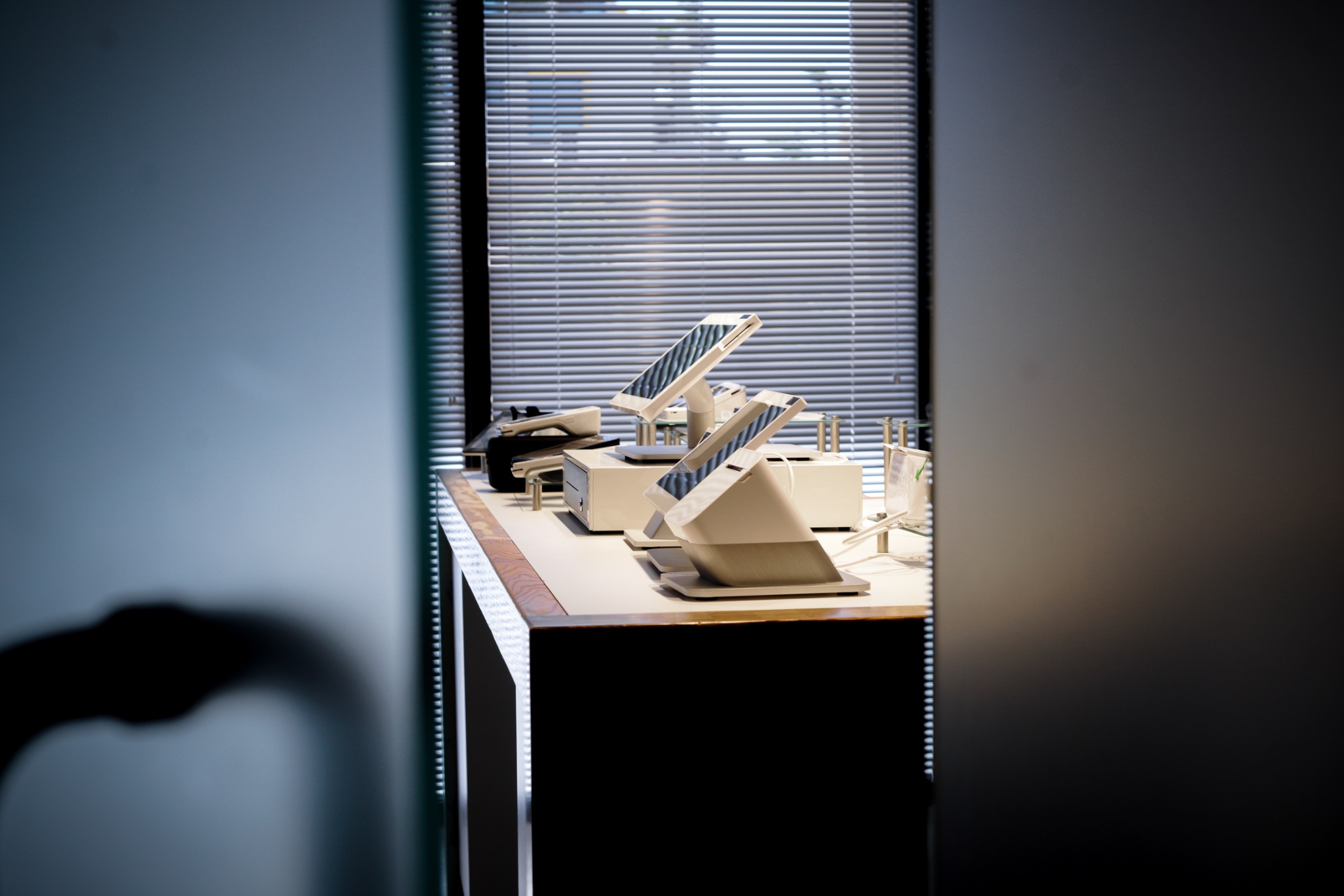
Start with how your team sells. Here’s what to look for in each type of setup.
Illustrations show equipment types. MiCamp can confirm model availability and compatibility during your review.
Tell us where you take payments, how many registers or locations you run, and what you want to improve.
Review your current devices, software integrations, internet connection, and accessories such as printers, scanners, and cash drawers.
Review the proposed equipment and costs, then discuss delivery or installation, staff training, and how to test checkout before switching.

MiPOS offers free point-of-sale placement for qualifying merchants with a signed five-year merchant agreement using WAVit. Your relationship manager can review eligibility, what’s included, and any additional costs.
Explore MiPOSShare your device model, POS software, and current processor with MiCamp. Your relationship manager can review whether your equipment is compatible and which pieces can carry over.
Share the number of checkout stations at each location, where you need wireless payments, and which accessories your teams use. MiCamp can review the setup location by location and help you plan the rollout.
Ask about handheld terminals and mobile readers for tableside checkout, events, or field service. Your relationship manager can help you compare connectivity, battery life, and receipt options.
Costs depend on the hardware, software, and accessories in your setup. Ask for a breakdown of one-time and ongoing costs and whether your business qualifies for the MiPOS placement program.
Tell us what you use today and what you need from your next setup.